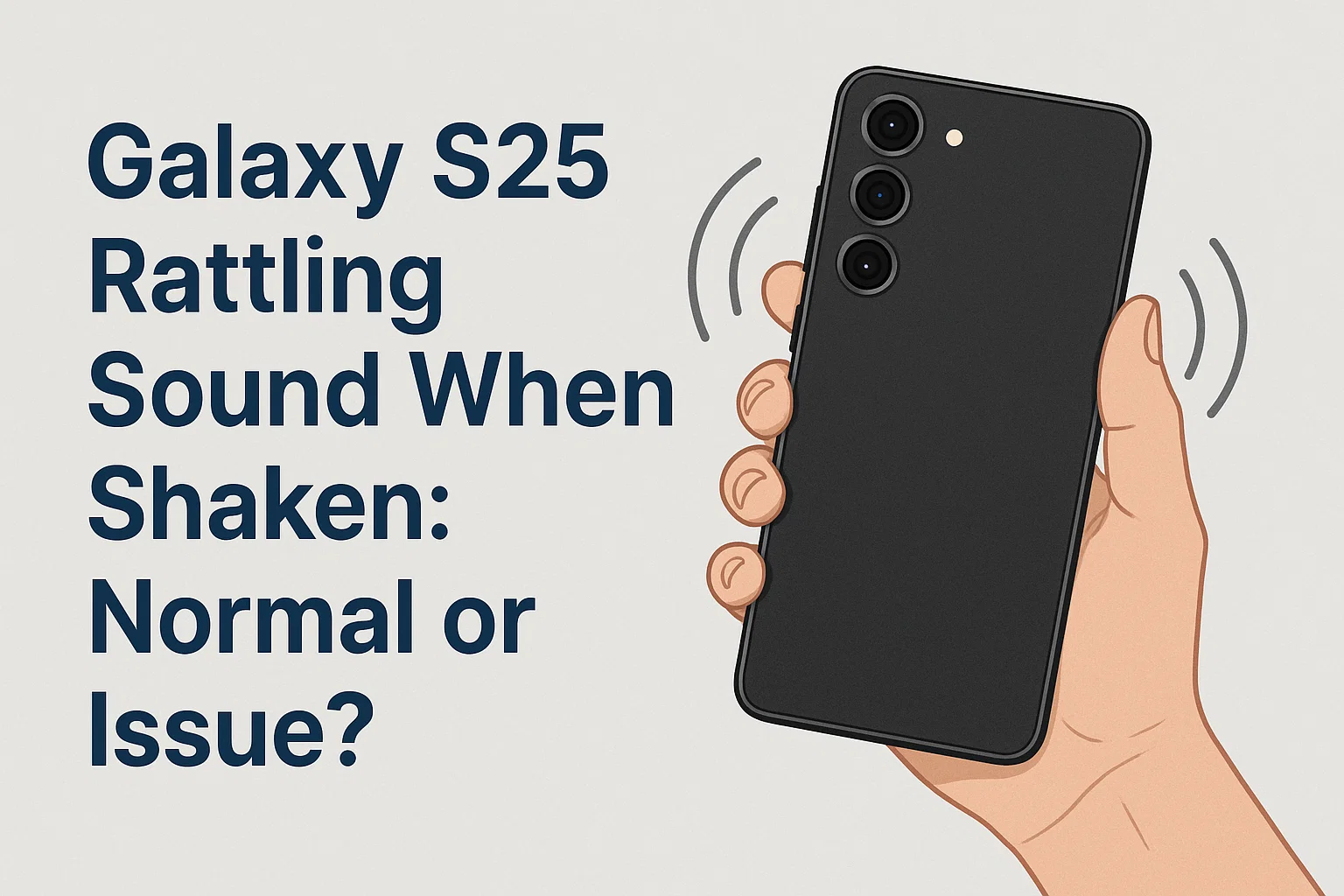
Are you noticing a rattling sound when you gently shake your Galaxy S25? You’re definitely not alone. Many users become concerned after picking up their new smartphone and hearing an unexpected noise. It’s natural to wonder: is this a defect or just part of the design? Before you worry or rush to the service center, let’s break down why your Galaxy S25 might make this sound and when you should actually be concerned. Understanding the reasons behind this can save you time, money, and unnecessary stress.
1. What Causes the Rattling Sound Inside Galaxy S25?
이 글과 함께 읽으면 좋아요
The rattling noise inside the Galaxy S25 is most commonly caused by the camera’s image stabilization system. This system, called OIS (Optical Image Stabilization), uses tiny moving parts to help reduce blur when taking photos or recording videos. These parts can sometimes move freely when the device is powered off or in standby, leading to a slight rattling sound if you shake the phone. This is considered normal behavior for modern smartphones with advanced camera modules.
1) Camera Module Components
- The main source of the sound is the OIS mechanism inside the camera.
- Small magnets and gyroscopic sensors move to stabilize your images.
- When not in use, these components are not actively held in place, resulting in a subtle rattle.
Camera modules with OIS have moving parts, so a light rattle is expected even in high-end models. There’s no need to worry unless you notice problems with your camera’s performance or physical damage.
2) Other Possible Internal Parts
- In rare cases, small hardware components such as buttons or SIM trays might produce sound if not fitted properly.
- These issues are uncommon with brand-new devices.
- If you hear a very loud or unusual sound, it could be worth a closer inspection.
While the OIS rattle is normal, any sound coming from areas other than the camera, especially if accompanied by performance issues, may require professional checking.
3) Comparing With Other Phones
- Many smartphones, including iPhone and other Galaxy models, have similar rattling sounds due to OIS.
- This is not a unique problem to the Galaxy S25.
- It’s considered a characteristic of modern phone design, not a defect.
If you compare the Galaxy S25 with older phones lacking OIS, you’ll notice those older models do not make the same sound. This highlights the evolution in smartphone camera technology.
2. Normal Rattle vs. Problematic Noise: How To Tell the Difference
It’s important to distinguish between a normal OIS rattle and a sign of actual hardware trouble. Not all noises are harmless, so recognizing the difference can help you decide if your phone needs servicing. Let’s explore the main differences between expected and concerning rattling noises.
| Type | Sound Character | Location | Action Needed |
|---|---|---|---|
| Normal OIS Rattle | Light, clicking or faint rattling when shaken | From camera area | No action needed |
| Loose Component | Loud, metallic, or irregular noise | From body or corners | Contact support |
| Speaker Grill Debris | Vibration or buzzing | Near speakers | Clean or inspect |
As you can see, the typical OIS rattle is mild and comes specifically from the camera area. Louder or metallic noises, especially from other parts of the phone, may require professional attention to rule out any real issues.
1) Signs It’s Just the Camera OIS
- Sound is only heard when the phone is shaken gently.
- No noise during normal use or when using the camera app.
- Phone functions are normal with no camera problems.
If these describe your experience, there’s nothing to worry about—the rattling is simply part of the phone’s advanced camera design.
2) Signs of a Potential Problem
- Sound is very loud or changes over time.
- Phone malfunctions or camera fails to focus properly.
- You notice parts that feel loose, damaged, or out of place.
If you observe any of these warning signs, it’s best to consult with an authorized service center to ensure your Galaxy S25 remains in perfect working order.
3) Quick Troubleshooting Steps
- Check if the rattling happens only when shaken, not during daily use.
- Test all buttons and the SIM tray for secure fit.
- Use the camera app to confirm camera functionality.
Simple checks like these can quickly reassure you whether the rattling is normal or if your device needs a professional look.
3. When Should You Seek Support for the Rattling Sound?
If the sound seems unusual or your device starts showing other symptoms such as performance issues, random shutdowns, or physical damage, it’s best to reach out to Samsung customer support. Most cases are harmless, but being proactive can help avoid bigger problems.
1) Warranty Considerations
- Samsung’s warranty usually covers hardware defects.
- Minor OIS rattling is not considered a defect.
- If in doubt, check with a certified technician for peace of mind.
Your phone is typically covered for genuine hardware issues, but the normal rattle will not void your warranty or indicate a manufacturing problem.
2) How to Contact Samsung Support
- Use the official Samsung Members app for diagnostics.
- Visit a Samsung Service Center for hands-on help.
- Have your purchase details ready for smooth service.
If you’re ever unsure, a quick visit to a service center can quickly clarify whether your device needs attention or is functioning as designed.
3) Additional Tips to Prevent Unnecessary Worry
- Don’t shake your device forcefully or frequently.
- Keep your phone in a sturdy case to protect the camera.
- Read the official user manual for model-specific guidance.
Understanding what is normal helps you enjoy your Galaxy S25 without needless concern. Simple precautions and awareness are all you need.
Next, please check out the related content about common Galaxy S25 questions and troubleshooting tips.
4. How Galaxy S25 Camera Technology Leads to Rattling Sound
The rattling sound on the Galaxy S25 actually highlights just how advanced its camera system is. The OIS (Optical Image Stabilization) technology uses micro-motors and magnetic fields to keep your photos sharp and videos stable. When your phone is not using the camera, the OIS unit’s internal lens or sensor is not powered, allowing some parts to move freely—which causes the rattle. This is an intentional part of the engineering and actually means your phone is equipped with state-of-the-art hardware.
1) How OIS Works in Practice
- OIS compensates for hand movements to prevent blurry images.
- When the camera app is closed, OIS components are not locked in place.
- This free movement ensures the mechanism doesn’t wear out prematurely.
If you shake your phone gently and hear a faint rattle from the camera module, it’s a sign that the OIS system is ready for action the next time you take a photo. This is true for other flagship devices as well.
2) OIS Rattle in Daily Life
- The sound is rarely noticeable during regular phone use.
- You may only hear it when purposefully shaking the device.
- Normal use, like placing the phone on a table, will not trigger the rattle.
Most users only discover the sound when intentionally investigating. This should not affect your enjoyment or the performance of your Galaxy S25 at all.
3) No Impact on Durability or Camera Quality
- OIS rattle does not indicate fragility or damage.
- The camera will continue to function at full capacity.
- There’s no evidence that the rattle shortens device lifespan.
Feel confident that your phone’s design is intentional and built to last. Samsung has engineered the S25 to ensure the camera is robust, despite the moving OIS parts.
| Feature | With OIS (Galaxy S25) | Without OIS (Older Models) | Practical Difference |
|---|---|---|---|
| Photo Stability | Sharp, stable images even in motion | Images easily blur with movement | Major advantage for OIS models |
| Rattling Sound | Faint, normal when shaken | No rattle | OIS devices have a slight sound by design |
| Durability | Engineered for movement | Fewer moving parts | No negative impact on lifespan |
Compared to older phones, the OIS in the Galaxy S25 is a big upgrade. The slight rattle is the trade-off for superior camera quality and stabilization. There’s no reason to trade your device or request a replacement for this reason alone.

Bluetooth keeps disconnecting, phone issue or car issue
Frequent Bluetooth disconnections are usually caused by either your phone or your car’s infotainment system. Since Bluetooth requires...
5. Expert Opinions and Samsung’s Official Statement
According to Samsung’s official documentation and multiple technology reviewers, the rattling sound is expected in devices with optical image stabilization. Even Apple and Google have addressed similar concerns with their own flagship phones. Most customer service representatives will confirm that unless the noise is excessive, your device is functioning correctly.
1) Samsung’s Position
- Normal OIS rattle is not covered by warranty repair.
- Guidelines state this is a feature, not a defect.
- Only excessive, abnormal noise or performance loss should be reported.
Samsung encourages users to enjoy their device and not to worry about minor sounds associated with advanced hardware.
2) Tech Reviewers’ Perspective
- Reviewers confirm that almost all OIS-equipped phones produce this rattle.
- No negative effects on phone operation or image quality.
- This has been the case for several generations of flagship phones.
Expert sources reassure users that the OIS rattle is universal in devices with modern stabilization technology.
3) User Experiences
- Most users stop noticing the sound after learning it’s normal.
- Community forums are filled with reassurances from other Galaxy S25 owners.
- Replacement devices exhibit the same behavior.
Your peace of mind is backed by the experiences of many others who have had the same question and found reassurance from official sources and the broader tech community.
6. Common Myths and Misunderstandings
A number of misconceptions surround the rattling noise in smartphones. Understanding the facts helps prevent unnecessary returns, repairs, or stress. Let’s clear up some frequent myths about the Galaxy S25 and similar devices.
1) Myth: “Rattling means something is broken”
- Fact: The rattle is normal and expected due to OIS.
- Not linked to accidental drops or factory defects.
- No risk of camera falling apart due to the sound.
The rattling noise is just physics at work inside your advanced camera module.
2) Myth: “The sound will get worse over time”
- Fact: OIS rattle does not worsen with age under normal use.
- If new, loud noises develop, then you should consult support.
- Light rattle from the camera is stable and consistent throughout the device’s life.
Unless you drop or damage your phone, the OIS rattle should remain the same.
3) Myth: “All smartphones are silent when shaken”
- Fact: Most flagship phones with OIS have a similar sound.
- Older phones without OIS tend to be silent, but sacrifice camera quality.
- Phone design has evolved, prioritizing performance and image stabilization.
A silent device may simply mean an older camera without advanced features, not a sign of higher build quality.
7. Final Tips: How To Enjoy Your Galaxy S25 Without Worry
To sum up, the rattling sound in your Galaxy S25 is a small sign of the advanced camera system inside, not a cause for alarm. If you notice the sound but your phone functions perfectly, you have nothing to worry about. If new or different noises develop, or you see signs of malfunction, seek help from Samsung support. Otherwise, you can confidently enjoy all the features of your device, knowing it’s performing just as it should.
1) When in Doubt, Double Check
- Refer to official Samsung documentation for reassurance.
- Compare with other Galaxy S25 units if possible.
- Contact Samsung support for peace of mind.
Your device is built to perform—and a little rattle is just part of that engineering.
2) Maintain Your Device for Longevity
- Use a protective case, especially to shield the camera area.
- Avoid shaking your device more than necessary.
- Keep your software updated for the best performance.
Basic maintenance and careful use will keep your Galaxy S25 in top shape.
3) Key Takeaway
- OIS rattle = normal.
- Unusual noise + performance issue = call for support.
- Enjoy your Galaxy S25 with peace of mind!
Understanding what’s normal allows you to make the most of your cutting-edge smartphone. If you have further questions, always consult Samsung or trusted tech resources.
Next, here are frequently asked questions about the “Galaxy S25 rattling sound when shaken.”
Galaxy S25 Rattling Sound When Shaken: FAQ
Q1. Is the rattling sound in my Galaxy S25 really normal?
Yes, the light rattling noise you hear when you shake your Galaxy S25 is completely normal. It is caused by the optical image stabilization (OIS) module in the camera, which uses moving parts to keep photos sharp. This does not mean your device is broken or defective.
Q2. Can the rattling sound damage my phone over time?
No, the rattling sound will not cause damage or lead to problems later. It is a designed feature of modern camera modules with OIS. As long as your phone is not showing other symptoms or damage, you can use it without concern.
Q3. What if the sound gets louder or changes suddenly?
If you notice the rattling becoming much louder, metallic, or if you also experience performance issues (such as camera malfunction), then it’s time to visit a Samsung service center or contact support. Any new or unusual noise should be checked by a professional.
Q4. Do all smartphones with OIS rattle when shaken?
Most flagship smartphones with OIS—such as recent models from Samsung, Apple, and Google—produce a similar faint rattle when shaken. This is a side effect of the moving components that enable advanced camera stabilization. Older phones without OIS do not make this sound.
Q5. Should I ask for a replacement if my Galaxy S25 rattles?
No, a faint rattle from the camera area is normal and does not qualify as a defect. If your phone otherwise functions well, there is no reason to request a replacement. Only seek a replacement if you notice abnormal sounds and actual performance problems.
함께 읽으면 좋은 글
관련된 인기 콘텐츠를 확인하세요





