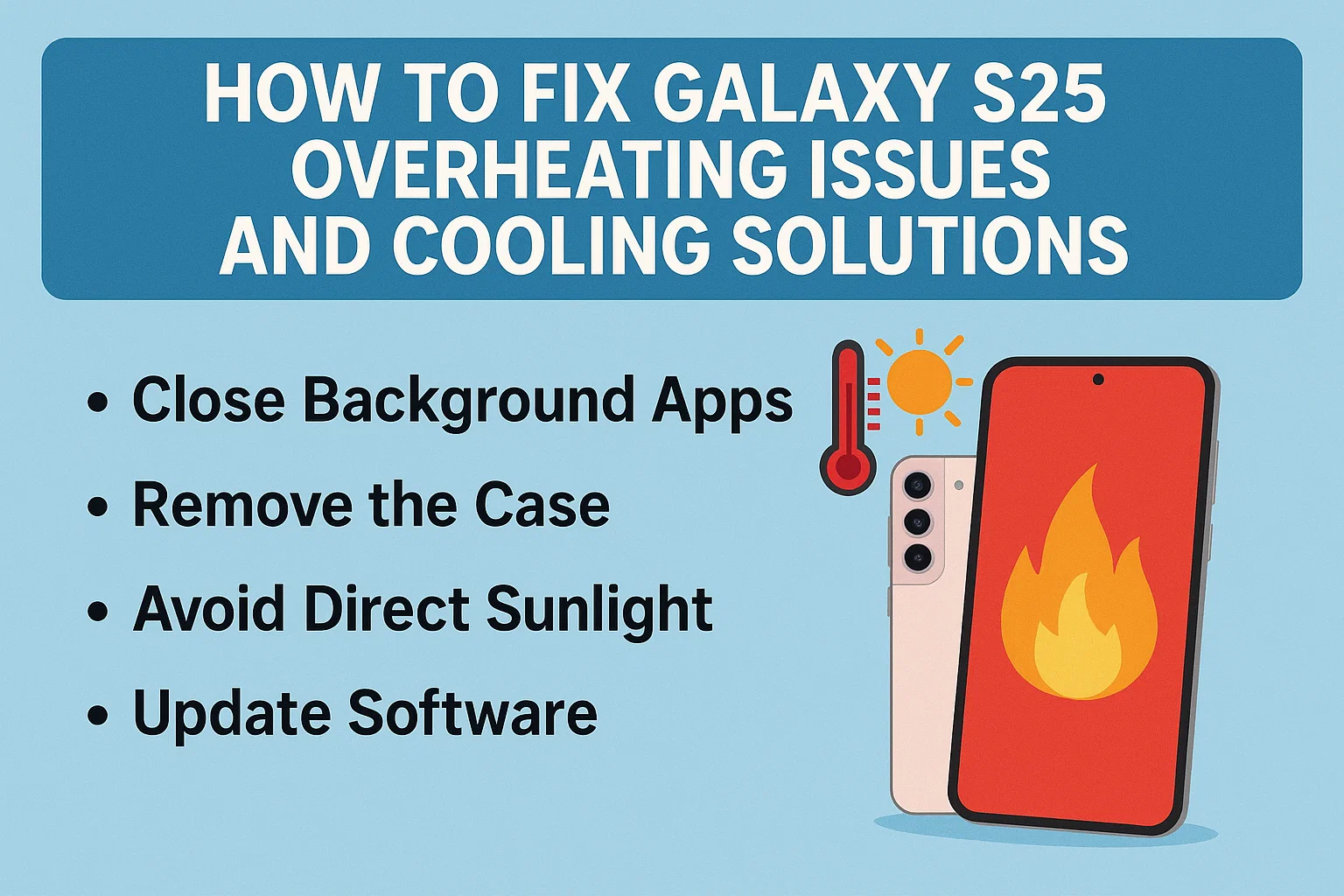

Experiencing Galaxy S25 overheating can be stressful, especially if you rely on your phone for work or daily communication. In this guide, we’ll break down the most practical cooling solutions and reveal how to fix overheating issues in real-world scenarios. With these strategies, you’ll keep your S25 running smoothly, avoid unexpected shutdowns, and extend your device’s lifespan. Learn how to identify the causes, analyze trends, and apply smart actions—all in a way that’s easy to understand and actually works.
1. Understanding Why Your Galaxy S25 Overheats
이 글과 함께 읽으면 좋아요
1) Common Causes in Everyday Use
The Galaxy S25 can overheat for several reasons, but the most frequent triggers are heavy gaming, prolonged camera use, and charging while running demanding apps. Background processes and poor ventilation, like using the phone in direct sunlight or leaving it inside a car, also play a huge role. With each new software update, the device’s resource management can change, sometimes unintentionally increasing heat output. Understanding these triggers is the first step toward prevention.
2) Impact of New Software and Apps
Frequent software updates and new app installations are double-edged swords. Updates may improve performance but can also introduce new bugs or increase background activity, stressing your S25’s processor. Some popular social media apps and games are notorious for high battery and CPU usage, especially right after a major update. Monitoring which apps spike your phone’s temperature helps you take control before issues escalate.
3) Battery Health and Environmental Factors
An aging battery is more susceptible to heat. As the S25’s battery cycles increase, internal resistance rises, leading to more heat during charging and heavy use. Environmental factors—like hot weather or using the device under a thick case—exacerbate the problem. Regular battery checks and using your phone in cooler settings can prevent sudden overheating episodes and potential long-term damage.
Quick Recap: Why Overheating Happens
- Heavy gaming or camera use
- Prolonged charging with active apps
- Poor ventilation or direct sunlight
- Recent software/app updates
- Aging battery and environmental heat
2. Analyzing Overheating Patterns and What They Mean
1) Spotting the Warning Signs Early
If your Galaxy S25 starts to feel hot, especially near the camera or battery area, that’s your first warning. Laggy performance, automatic screen dimming, or unexpected shutdowns are classic symptoms of overheating. Sometimes, system notifications will pop up, warning you that your device needs to cool down. Ignoring these signs can cause hardware damage over time, so acting quickly is essential.
2) Tools to Monitor Temperature and Usage
Samsung includes built-in diagnostics—check the Battery and Device Care section in Settings for real-time temperature and usage stats. Third-party apps like AccuBattery or CPU-Z can give you more detailed insights. Monitoring these metrics helps you identify which apps or activities trigger overheating, making your troubleshooting much more precise.
3) How Overheating Impacts Device Lifespan
Chronic overheating doesn’t just slow down your S25—it can permanently reduce battery capacity, degrade internal components, and even affect your display. Devices exposed to frequent high temperatures often show a drop in battery health within months, forcing early replacements. Consistent monitoring and swift intervention can extend your device’s usable life and maintain its resale value.
| Feature | Normal Operation | Overheating State |
|---|---|---|
| Performance | Smooth multitasking | Lagging, forced app closures |
| Battery | Normal drain | Rapid discharge, swelling risk |
| Safety | Device remains cool | Automatic shutdown, possible burns |
Checklist for Overheating Detection
- Monitor hot spots on device body
- Track lag and sudden shutdowns
- Use built-in or third-party monitoring apps
- Respond immediately to system warnings
3. Proven Solutions to Fix and Prevent Overheating
1) Quick Fixes for Immediate Relief
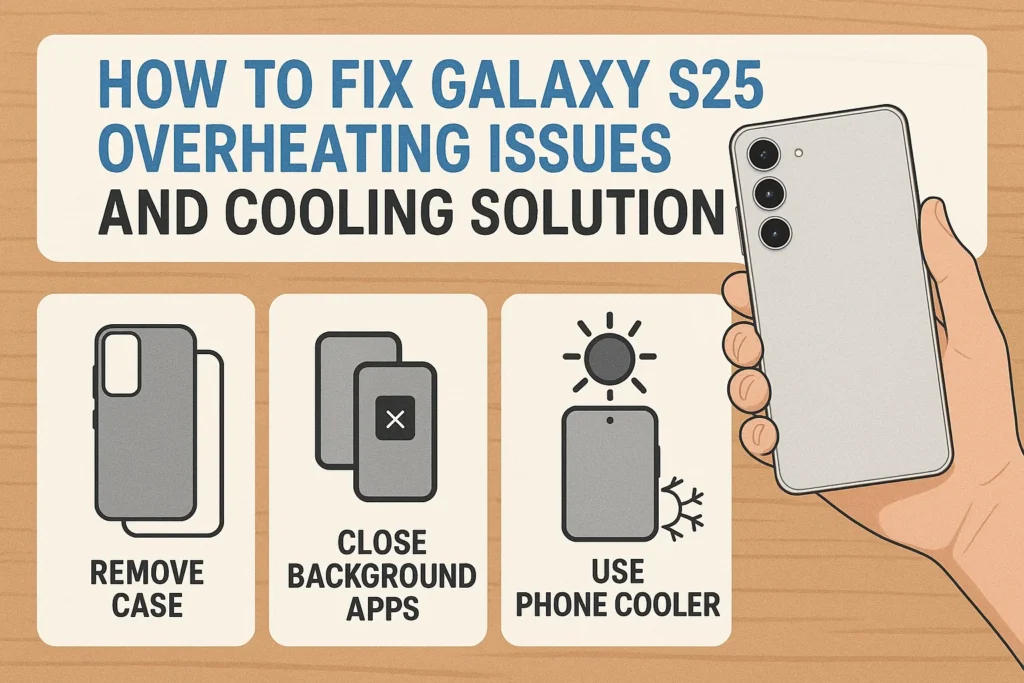
When your Galaxy S25 feels too hot, stop using power-hungry apps and close all background processes. Remove the case to allow heat to escape, and keep the device out of direct sunlight. If you’re charging, unplug immediately—charging while overheating is especially risky. Avoid using intensive apps or games until your device cools down to a safe temperature.
2) Long-Term Cooling Strategies
Keep your software updated, but wait a few days after major releases to let bugs get fixed. Regularly restart your phone to clear temporary files and reset background activity. Disable unused apps and features like Bluetooth or Location when not needed. Consider lowering screen brightness and enabling power-saving modes, which reduce CPU strain and battery temperature.
3) When to Seek Professional Help
If your S25 continues overheating despite these fixes, it may be time for a battery replacement or professional inspection. Physical damage, swollen batteries, or persistent high temperatures after a reset signal deeper issues. Certified Samsung service centers can diagnose hardware faults and provide safe repairs, ensuring your device remains reliable.
Key Cooling Solutions You Can Apply Now
- Close unnecessary apps and remove the phone case
- Let your device cool in the shade
- Disable unused connectivity (Bluetooth, Wi-Fi, Location)
- Update apps and software regularly
- Contact Samsung Support for persistent issues
4. Practical Action Plans for Galaxy S25 Cooling
1) Daily Habits to Minimize Overheating
Developing daily habits to prevent overheating is more effective than only reacting when your Galaxy S25 gets hot. Use your phone in well-ventilated areas and avoid multitasking with demanding apps while charging. Get into the habit of closing background apps at least once a day and keeping your software up-to-date, but monitor online forums before updating, in case new bugs arise. Even something simple—like avoiding direct sunlight or not leaving your phone on beds or couches—can significantly reduce heat buildup.
2) Accessory Choices: What Helps, What Hurts
Cases with thick padding or poor airflow are common culprits in trapping heat. Instead, use slim cases with cooling vents or those made of heat-dissipating materials. Cooling pads and external fans, though not always stylish, can offer quick relief during heavy use, especially for gamers or content creators. Also, avoid low-quality charging cables or adapters, as these can increase heat output and pose safety risks. Investing in certified accessories always pays off in device health.
3) Cooling Apps and Smart Settings
Some cooling apps offer quick optimizations, like killing resource-hungry processes or reducing screen brightness automatically. While they can’t change the phone’s hardware limitations, they do help in emergencies. Dive into your S25’s Device Care menu—set auto-restarts, optimize battery usage, and manage permissions to minimize background heat sources. Smart use of settings can reduce the average operating temperature by several degrees.

Bluetooth keeps disconnecting, phone issue or car issue
Frequent Bluetooth disconnections are usually caused by either your phone or your car’s infotainment system. Since Bluetooth requires...
Best Everyday Cooling Tips
- Keep software and apps updated—check for reviews before major updates
- Choose slim or ventilated cases
- Use original or certified charging accessories
- Close unused apps daily
- Take breaks during intensive use
5. Scenario-Based Cooling Strategies and User Experiences
1) For Heavy Gamers and Streamers
Gamers often push their Galaxy S25 to its thermal limits. If you stream or play graphically intense games, lower in-game settings, turn on airplane mode when possible, and play in cool environments. Consider short play sessions and breaks to let the phone cool down. Use a cooling pad or small USB fan for extra support. Several users report that applying these tactics keeps temperatures below 38°C even during heavy play.
2) Outdoor Use in Hot Weather
During summer or in hot climates, avoid using your S25 outdoors for extended periods. Keep the device shaded and use screen protectors that reduce sunlight glare and heat absorption. For navigation or photoshoots, limit the time the phone is exposed, and carry a microfiber cloth to wipe off sweat or moisture that can contribute to heat retention. If possible, activate power-saving mode to lower processor activity in harsh environments.
3) Office and Productivity Users
If your S25 is your daily driver for work, sync emails, and video calls, overheating can disrupt productivity. Adjust sync intervals to reduce background refresh, disable vibration feedback, and close unused tabs and apps during meetings. For those using DeX mode, provide ample space for airflow around the device, and use a wired Ethernet connection instead of Wi-Fi to minimize processor load.
| Situation | Optimal Cooling Action | What to Avoid |
|---|---|---|
| Gaming/Streaming | Cooling pad, lower settings, breaks | Playing while charging, thick case |
| Outdoor/Hot Weather | Shade, power-saving mode, quick sessions | Direct sunlight, leaving in car |
| Work/Productivity | Close unused apps, airflow, wired network | Multitasking while charging, poor ventilation |
User Feedback: What Really Works
- Gamers see temperature drops by 5°C using cooling pads and breaks
- Outdoor users report less overheating after switching to ventilated cases
- Office workers extend battery life and avoid shutdowns by optimizing sync settings
- Certified accessories reduce overheating complaints significantly
6. What If Nothing Works? Next Steps and Support Options
1) When to Visit a Samsung Service Center
If your Galaxy S25 consistently overheats despite all troubleshooting, there may be a hardware fault—such as a failing battery, faulty motherboard, or damaged charging port. Visit an authorized Samsung service center for a comprehensive checkup. Early intervention prevents bigger problems and ensures warranty coverage remains intact.
2) How to Prepare for a Repair or Replacement
Back up your important data, remove personal files, and note down any error messages or patterns before visiting the service center. Describe your usage habits and recent changes—like new apps or updates—to the technician. This information helps pinpoint the root cause and speeds up the repair process.
3) Alternative Solutions and Long-Term Prevention
If repeated overheating leads to early device replacement, consider trading in your S25 for a newer model or one better suited to heavy use. For power users, premium cases with built-in heat dissipation, regular battery replacements, and keeping devices out of harsh environments provide the best long-term reliability.
| Support Option | Pros | Cons |
|---|---|---|
| Samsung Service Center | Expert diagnostics, warranty coverage | May require device drop-off |
| DIY Solutions | Cost-effective, instant | May not solve deep hardware faults |
| Device Upgrade | Latest hardware, better cooling | Additional cost |
Final Checklist: When to Seek Professional Help
- Persistent overheating after all fixes
- Physical signs like battery swelling
- Frequent automatic shutdowns
- Device gets hot even in standby mode
Galaxy S25 Overheating: Frequently Asked Questions
Q1. Why does my Galaxy S25 get hot when charging?
The Galaxy S25 may heat up during charging due to high processor usage, fast charging, or using the device while plugged in. Intensive background processes or using non-certified chargers can make the problem worse. To reduce heat, use original chargers and avoid using power-hungry apps during charging.
Q2. What are the safest ways to cool down my Galaxy S25 quickly?
Turn off unused apps, remove the case, and place the phone in a cool, shaded area. Do not put the device in the freezer or expose it to extreme cold, as sudden temperature changes can cause hardware damage. Letting the device rest for several minutes usually brings the temperature down safely.
Q3. Can overheating damage the Galaxy S25 permanently?
Yes. Prolonged overheating can degrade the battery, slow performance, and even cause hardware failures in extreme cases. Addressing overheating early and following recommended practices helps protect your device and maintain its value.
Q4. Which apps are most likely to cause overheating?
High-performance games, video streaming, AR/VR apps, and poorly optimized third-party applications are common culprits. Monitoring app behavior through the Battery and Device Care menu can help you identify which apps consume the most resources and generate excess heat.
Q5. When should I consider replacing my Galaxy S25 battery?
If your device overheats even during normal use or while idle, and battery life drops significantly, it may be time to replace the battery. Visit a Samsung service center for a professional diagnosis to ensure safety and avoid further damage.
함께 읽으면 좋은 글
관련된 인기 콘텐츠를 확인하세요





